
Switching between companies
How to manage and switch between multiple businesses.
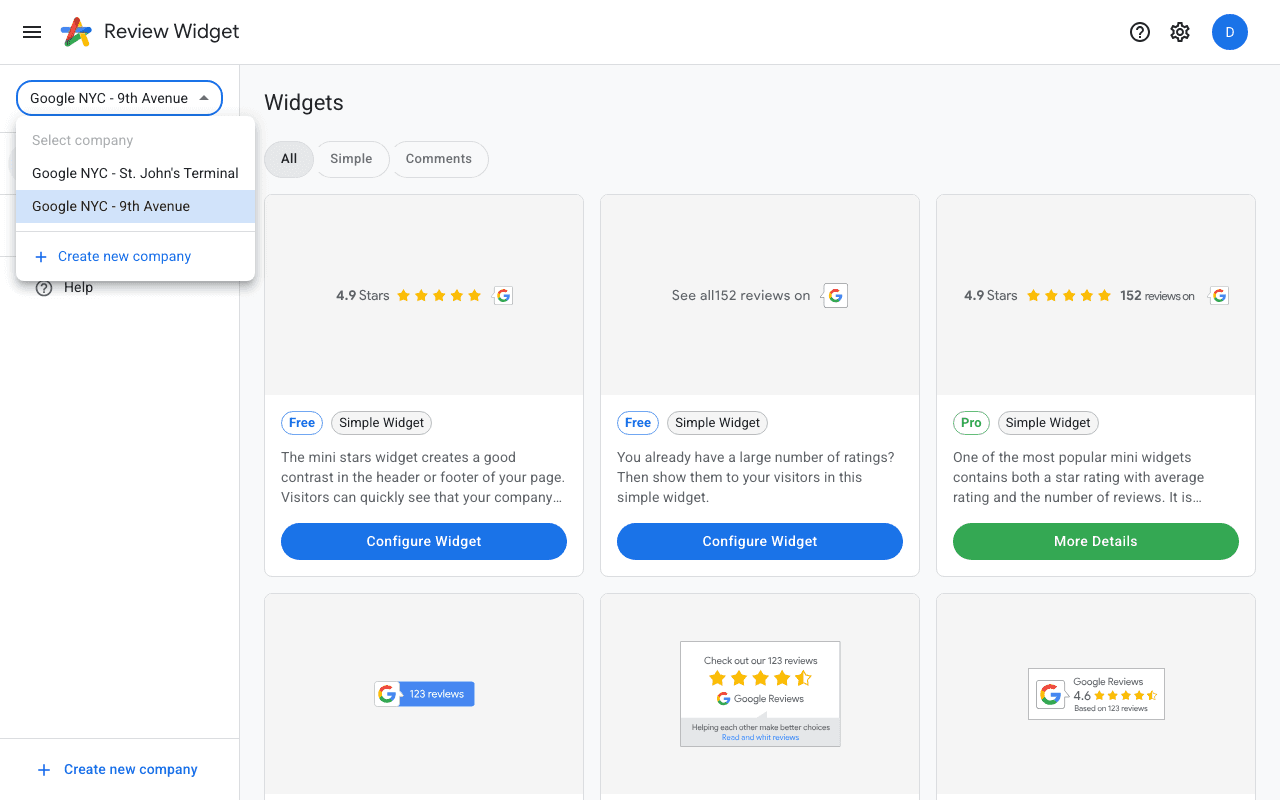
Company selector
If you manage multiple businesses, use the company selector dropdown at the top of the sidebar. Click on a different company name to switch — the dashboard will reload with that company's widgets, settings, and billing information.
Adding another company
Click "Create new company" at the bottom of the sidebar or in the company selector dropdown. Each company has its own Google Business Profile connection, widget library, and subscription.