
How to create your account
Sign up for Review Widget and verify your email to get started.
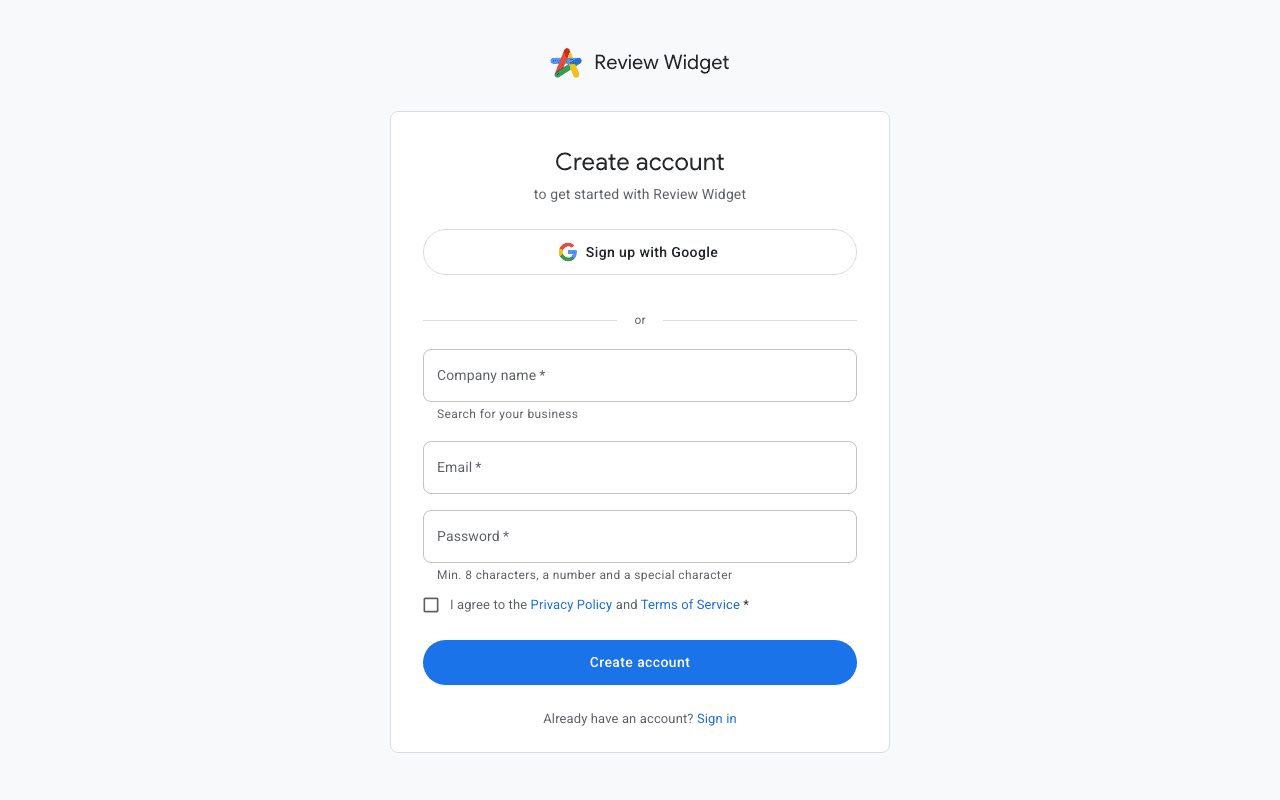
Creating an account
Visit the Review Widget homepage and click the "Get Started" or "Sign Up" button. You can register with your email address and a password, or sign in directly with your Google account for a faster setup.
Verifying your email
After registration you will receive a verification email. Click the link in the email to confirm your address. If you don't see the email, check your spam folder. You can request a new verification email from the login page.
Next steps
Once your email is verified you will be guided through the onboarding flow where you can set up your first company and connect your Google Business Profile.