
Dashboard overview
A quick tour of the main dashboard sections and navigation.
Sidebar navigation
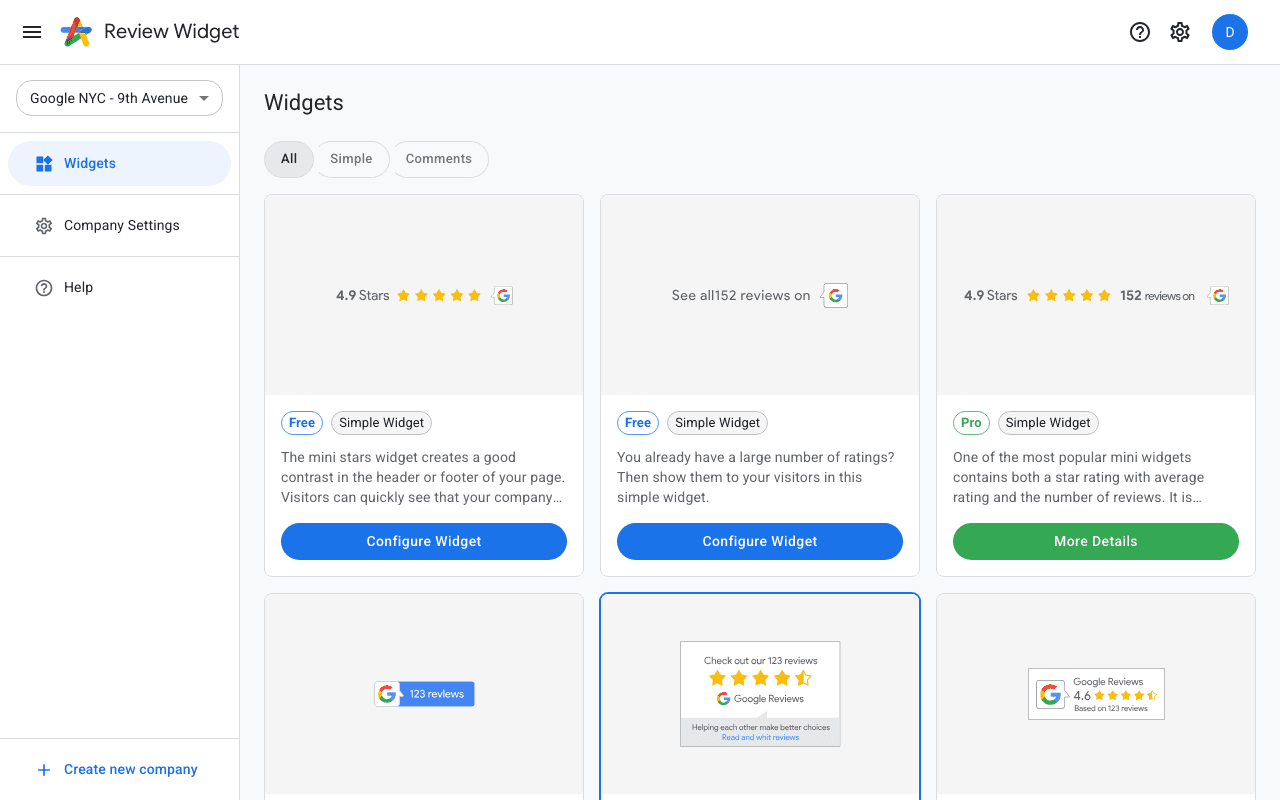
The left sidebar gives you access to all main sections: Widgets, Company Settings, and Billing. If you manage multiple companies you can switch between them using the company selector at the top of the sidebar.
Widgets page
The Widgets page shows all available widget templates for your company. Each card shows a preview, whether the widget is free or requires a Pro subscription, and a button to configure or view details.
Company Settings
Here you can update your company name, industry, and manage your Google Business Profile connection. You can also delete a company if needed.
Billing
The Billing section lets you manage your subscription, view invoices, and update payment methods through the Stripe customer portal.