
Login issues
Trouble signing in? Here are common fixes.
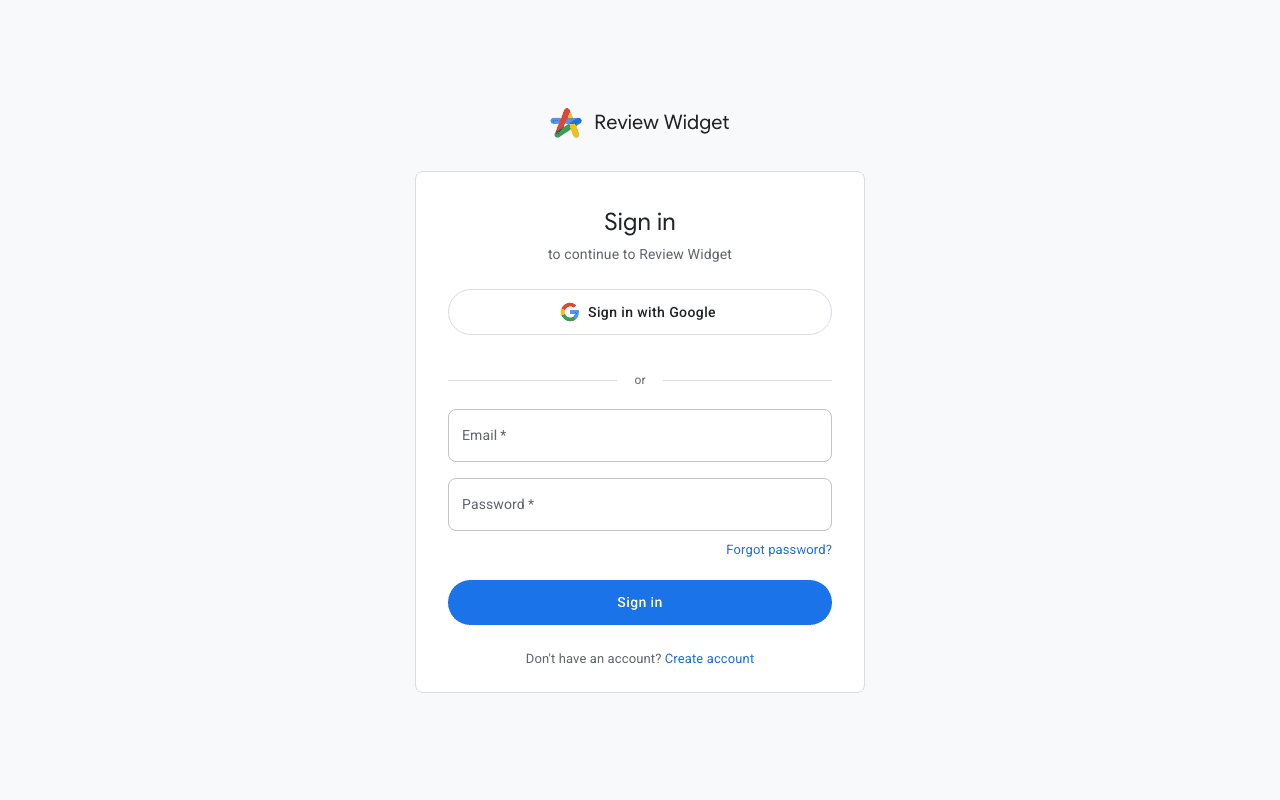
Forgot password
Click "Forgot password" on the login page and enter your email address. You will receive a reset link that lets you set a new password. The link expires after a limited time, so use it promptly.
Google sign-in
If you originally signed up with Google, use the "Sign in with Google" button instead of entering a password. Your account is linked to your Google email address.
Email not verified
If you see an "email not verified" message, check your inbox for the verification email sent during registration. You can request a new verification email from the login page.
Account not found
If the system says your account doesn't exist, make sure you are using the same email address you registered with. If you used Google sign-in, try the Google button instead.