Widget not displaying on my website
Steps to diagnose and fix a widget that isn't showing up.
Verify the embed code
Double-check that you have copied the complete embed code from the widget detail page. The snippet typically includes a <script> tag — make sure it is present and not blocked by your CMS or template.
Check browser console
Open your browser's developer tools (press F12) and look at the Console tab. If you see errors related to the widget script, they can point to the cause — such as a blocked domain, missing resource, or JavaScript conflict.
Content blockers and ad blockers
Some browser extensions or ad blockers may prevent external scripts from loading. Try disabling extensions temporarily to see if the widget appears. If it does, whitelist the Review Widget domain in your blocker.
Page caching
If your website uses server-side caching or a CDN, the page might be serving an older version without the widget code. Clear your website's cache and check again.
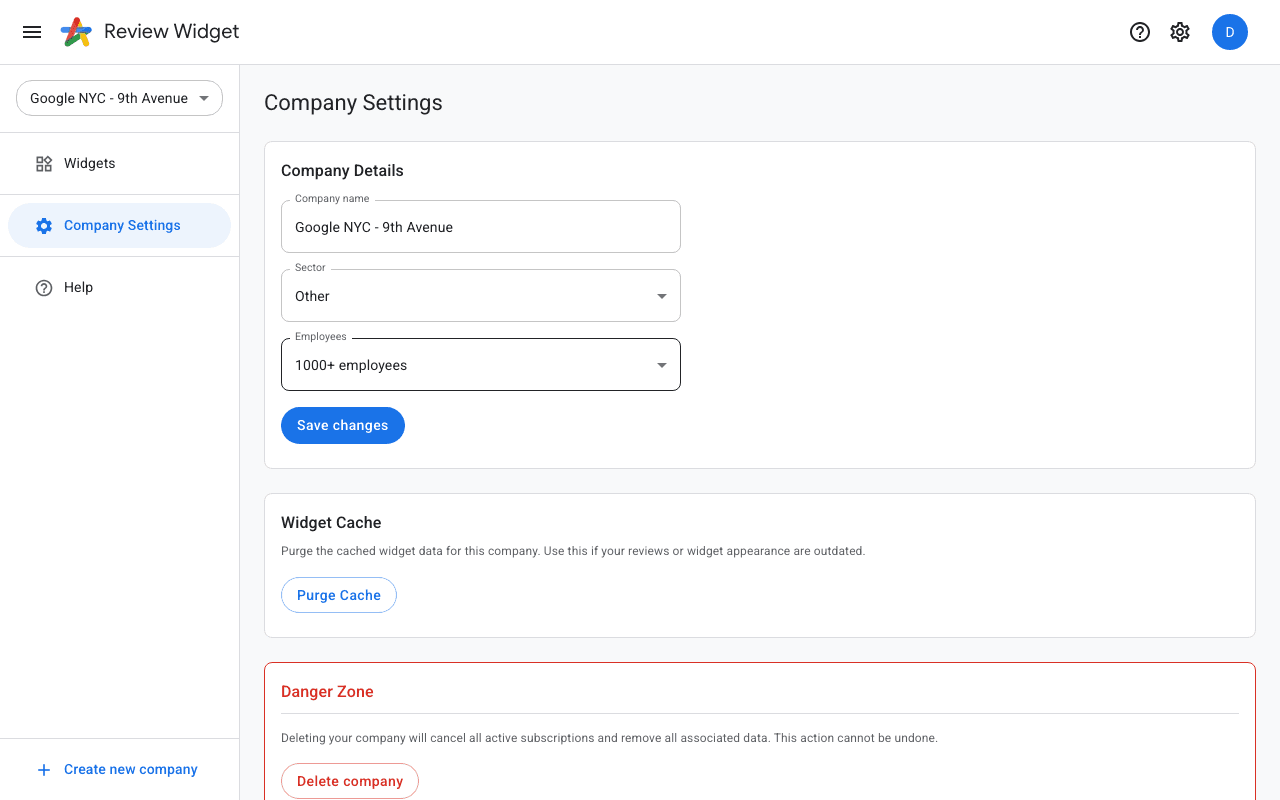
Purge the widget cache
If the widget was working before but suddenly stopped or shows stale content, try purging the widget cache. Navigate to Company Settings in the sidebar, scroll down to the "Widget Cache" section, and click "Purge Cache". This clears cached widget data on our servers and forces a fresh reload for all your widgets.