
Customizing widget appearance
Change themes, colors, and layouts to match your brand.
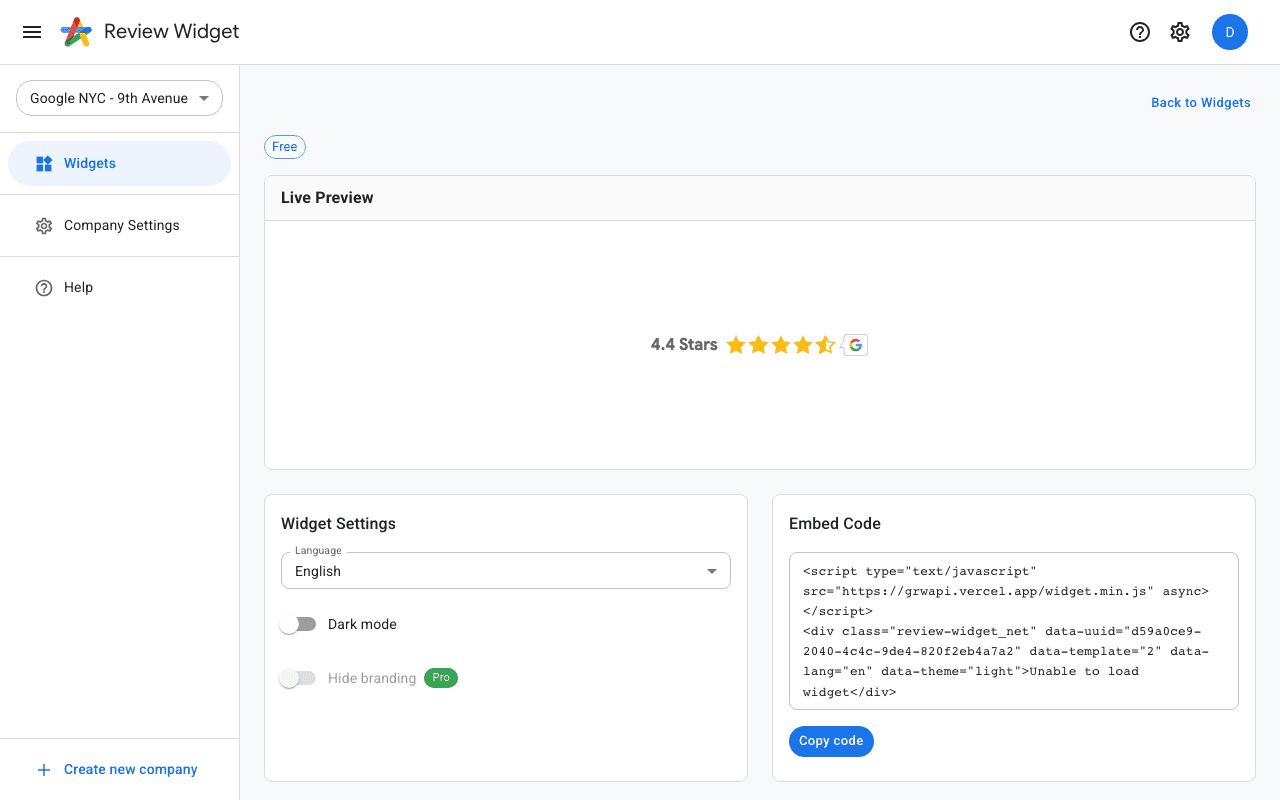
Widget configuration
Click "Configure Widget" on any widget template to open the detail page. Here you can adjust visual settings like the color scheme, layout options, and which reviews to display.
Themes
Widgets come with pre-built themes that control the overall look and feel. You can switch between light and dark themes or customize individual colors to match your brand.
Pro customization
Pro widgets offer additional customization options including custom CSS overrides, review filtering by star rating, and the ability to hide the Review Widget branding for a fully white-label experience.